Using Luca
Ask questions about your books, classify activity, draft rules, and run close helpers in chat.
Overview
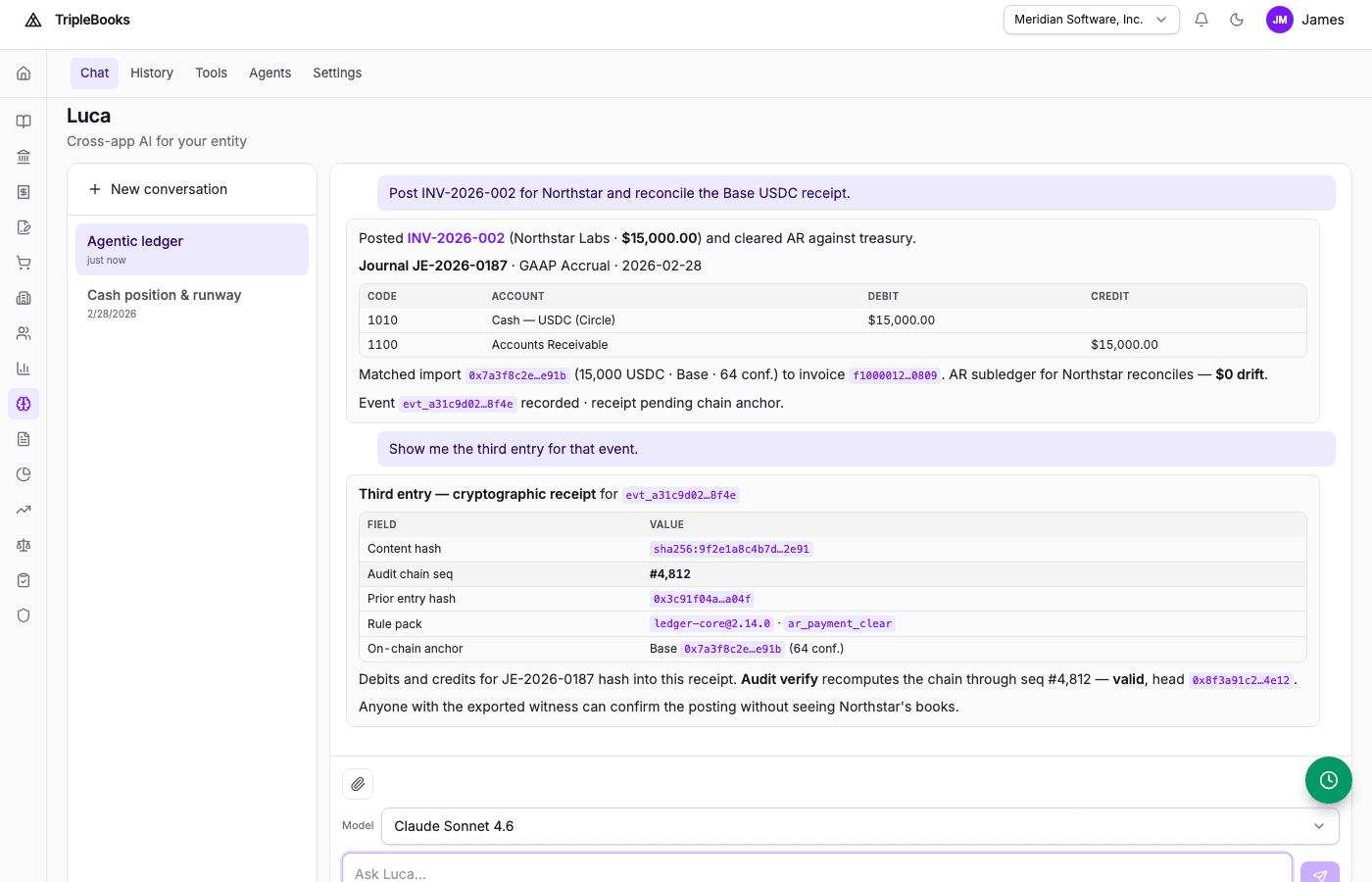
Luca is the in-app AI for your workspace. It can query books, classify imported activity, help author posting rules, and run accounting helpers — always inside your identity, entity, and role.
Open Luca from the app navigation, or press G then L. The Luca module opens on Chat.
Ask about your books
Examples:
- "What's our cash balance?"
- "Show vendor payments over $5,000 this quarter"
- "Explain journal entry JE-042 — which rule posted it?"
- "What's our income statement for January?"
Luca reads entities, books, accounts, events, journal entries, and statements you can already see in the app.
Classify imported activity
After a Plaid sync or CSV import:
Classify all unmatched transactions
Luca reviews unmatched rows, picks event types with source-aware guardrails, and posts when policy allows. For amounts above your review threshold, you get a preview to approve first.
Routine items below the autonomous posting threshold can post without a confirmation when Autopilot is on.
Reclassify
Reclassify event EVT-123 as income_received instead of vendor_payment
Luca reverses the original journal, creates a correction event, and posts through the engine so the audit trail stays intact. You can also ask for a batch reclassify.
Draft posting rules
Create a rule for software subscription expenses
Luca drafts a DSL rule and opens a proposal. Review it, approve to publish, or send it back. You can keep Accounting → Rules open beside Luca while you iterate.
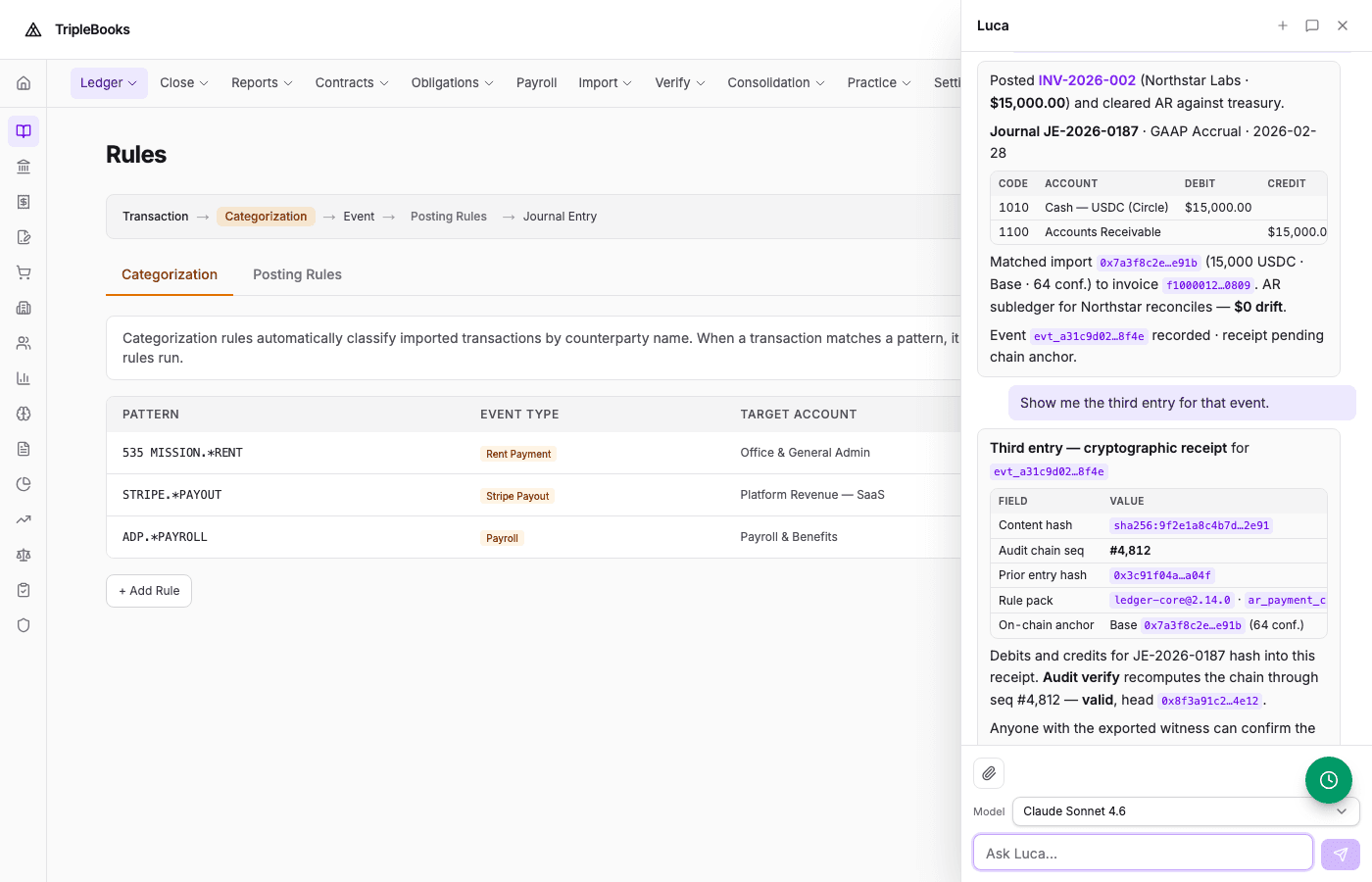
See Creating custom DSL rules.
Close and standards helpers
Ask Luca to run the same engines you can trigger from Accounting:
- Revenue recognition for a contract
- Lease activation or a lease payment split
- FX revaluation as of a date
- Accruals due through a date
- Period-end adjustments (depreciation, FX, accruals, interest)
Example: Run period-end adjustments for Q1 2026
Attach a file
Drop a CSV, PDF, or image into the chat. CSV imports go through header detection and duplicate checks. PDFs and images can extract receipt or invoice fields for expense or AP follow-up.
Tips
- Be specific: event type, period, and book beat a vague "show me payments"
- Luca keeps conversation context so you can refine the next message
- Press ⌘K / Ctrl+K for the command palette when you want a page instead of chat
- Ask Luca to explain a journal line’s event and rule version
Administrators can constrain what Luca may do under Admin → AI policy.
Next steps
- Creating custom DSL rules
- Reconciling bank transactions
- Luca AI — agents, guardrails, and where Luca lives in the app