Quick-start guide
Create an account, set up an entity, bring in activity, and open your first reports.
Overview
This walkthrough covers the first hour in TripleBooks: sign up, create an entity, connect or import activity, classify with Luca, and open Home and reports.
Step 1: Sign up
Go to app.triplebooks.com and create an account with email or a passkey.
After you verify your email, onboarding asks how you want to use TripleBooks:
- Personal & household — bank sync, Money inbox, household tasks and documents
- Business or organization — companies, sole props, LLCs, trusts, funds, and full accounting
You can add another organization later from Settings → Organizations.
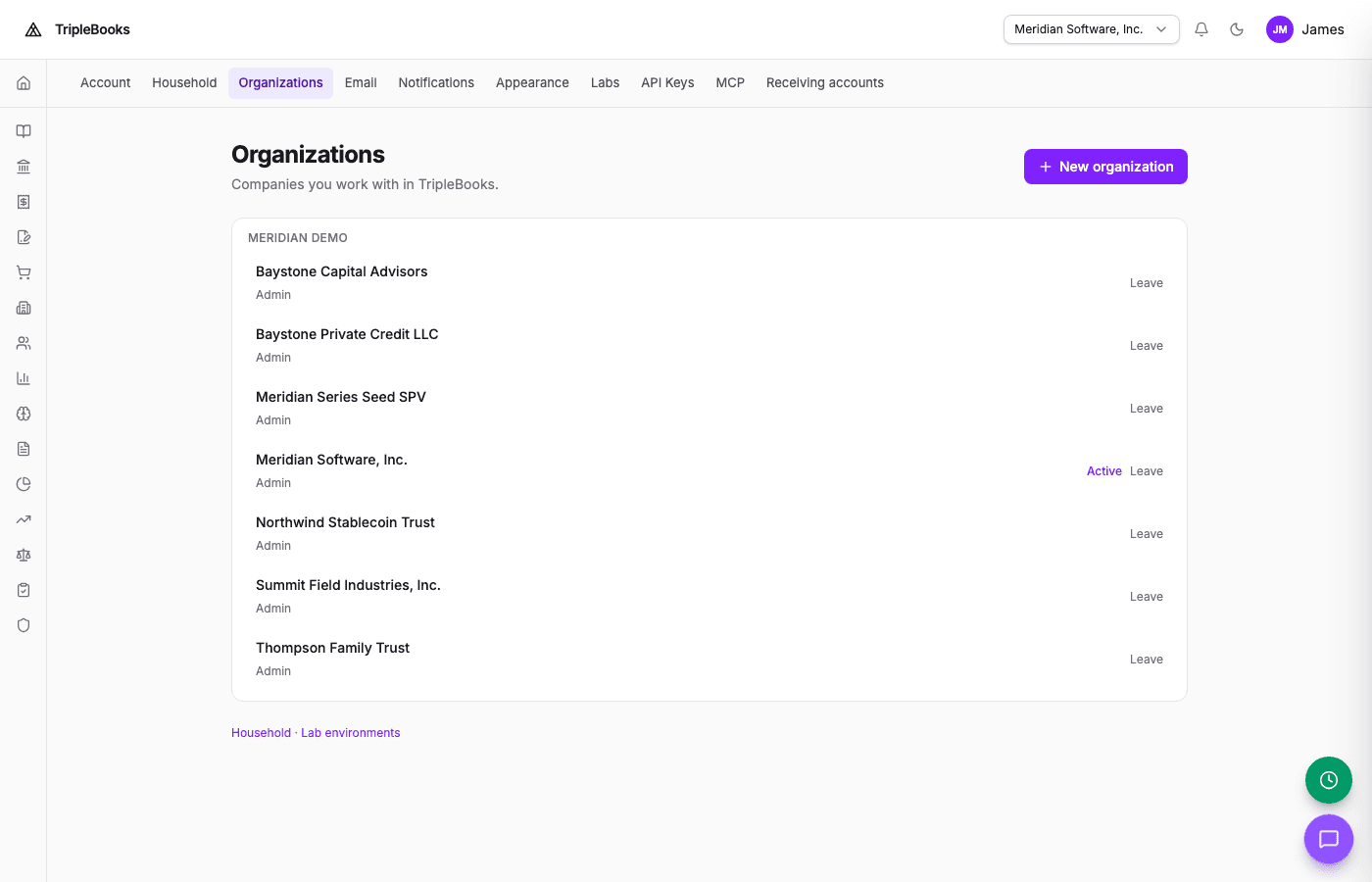
Create organization opens the New organization wizard (Type & Identity, then Structure and Accounting).
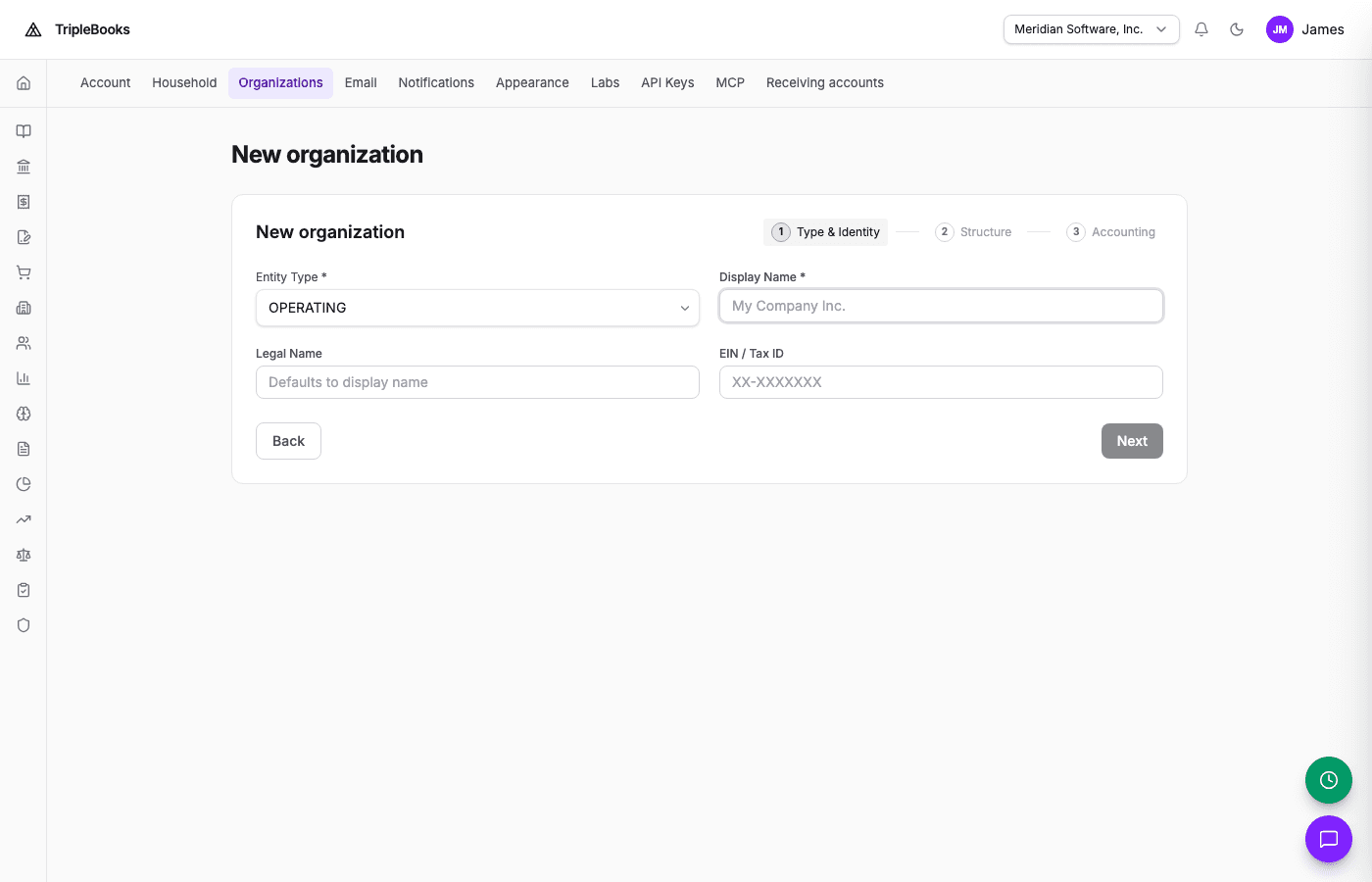
TripleBooks provisions a chart of accounts, books (for example GAAP and tax), and account mappings for the type you chose.
Step 2: Connect a bank or import a file
Connect via Plaid
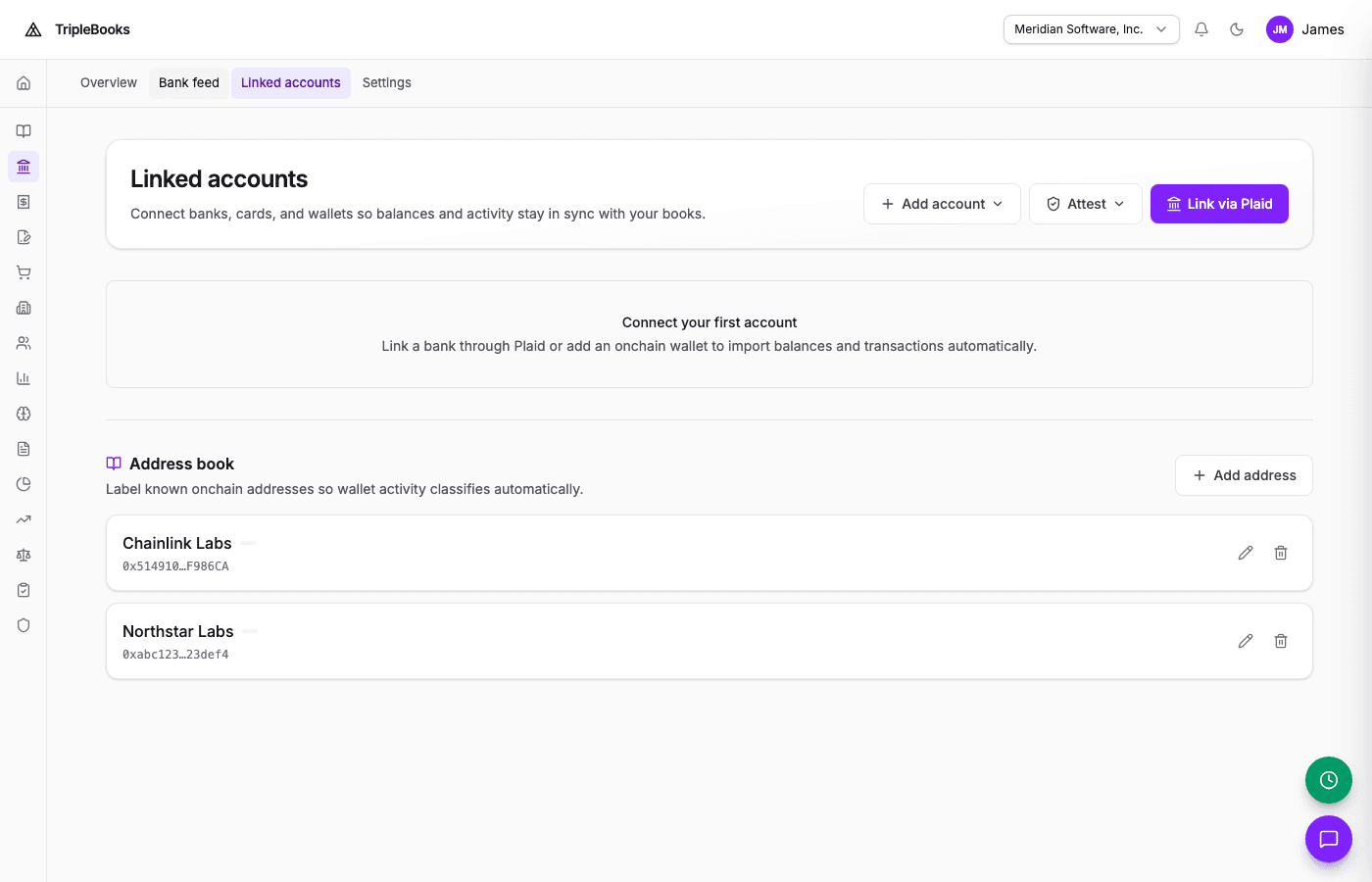
Open Treasury → Linked accounts (press G then T) or Settings → Integrations and link a bank, card, or investment account. Transactions sync on a schedule after you connect.
Import a CSV
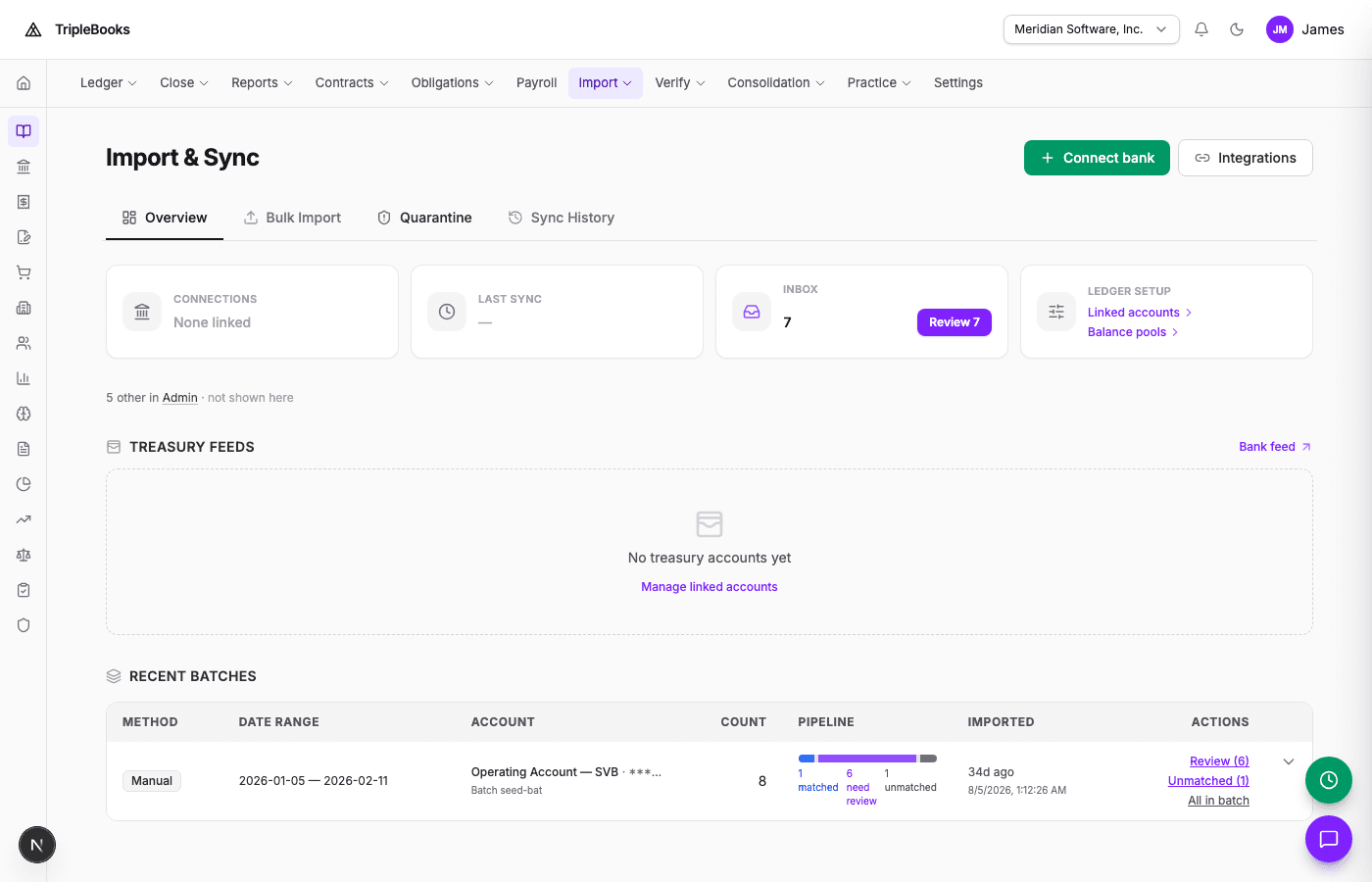
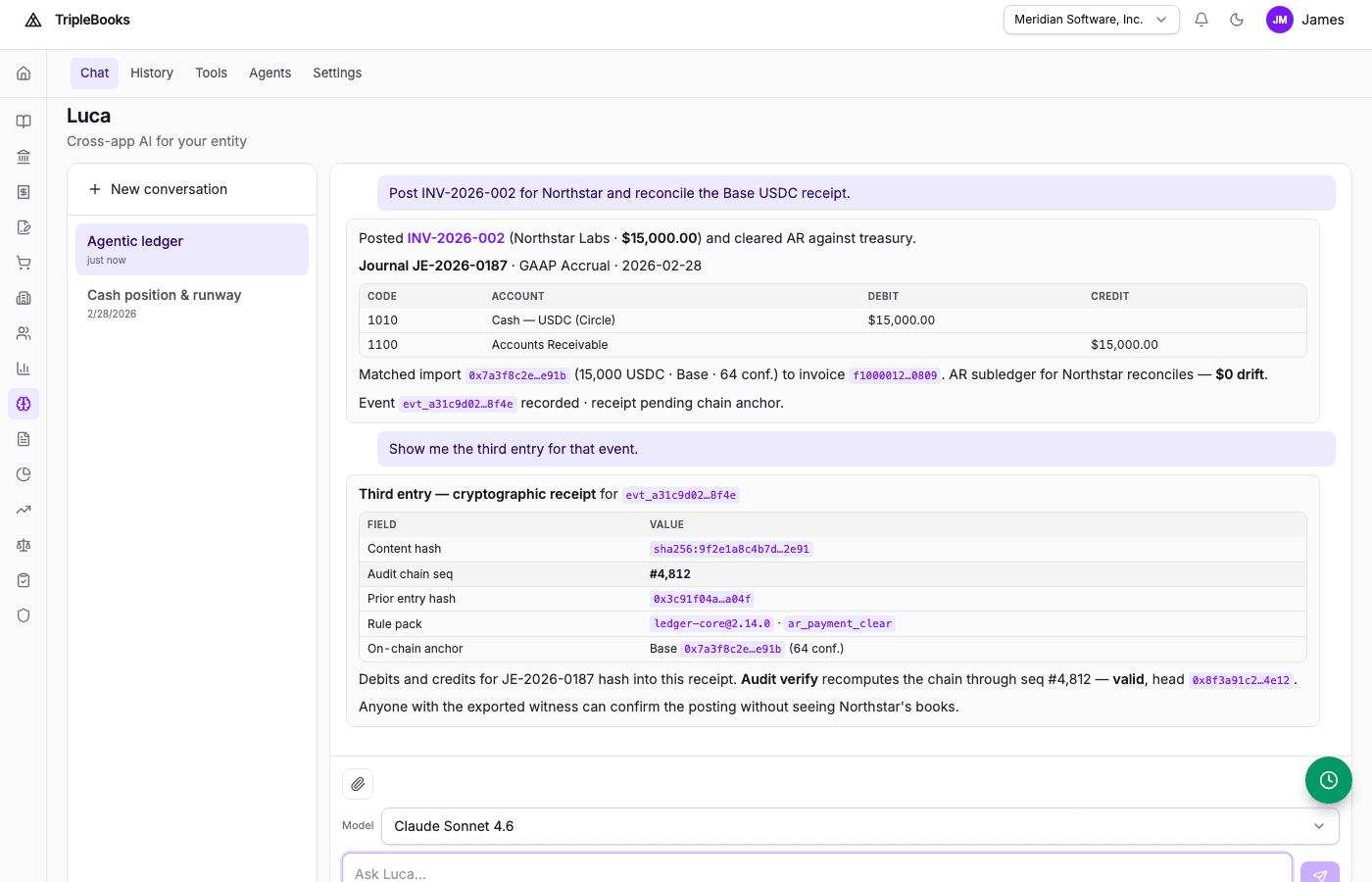
Open Luca (sidebar, or press G then L) and drop a CSV into the chat. Luca reads headers, normalizes rows, and imports with duplicate detection. Accounting → Import & Sync is the other path for files and migrations.
Step 3: Classify with Luca
Ask Luca to classify unmatched imported activity, for example:
Classify unmatched transactions
Luca proposes event types, respects source-aware rules (for example a checking debit as a payment), and posts through your rule packs when you approve — or automatically when Autopilot and your thresholds allow it.
Step 4: Home and reports
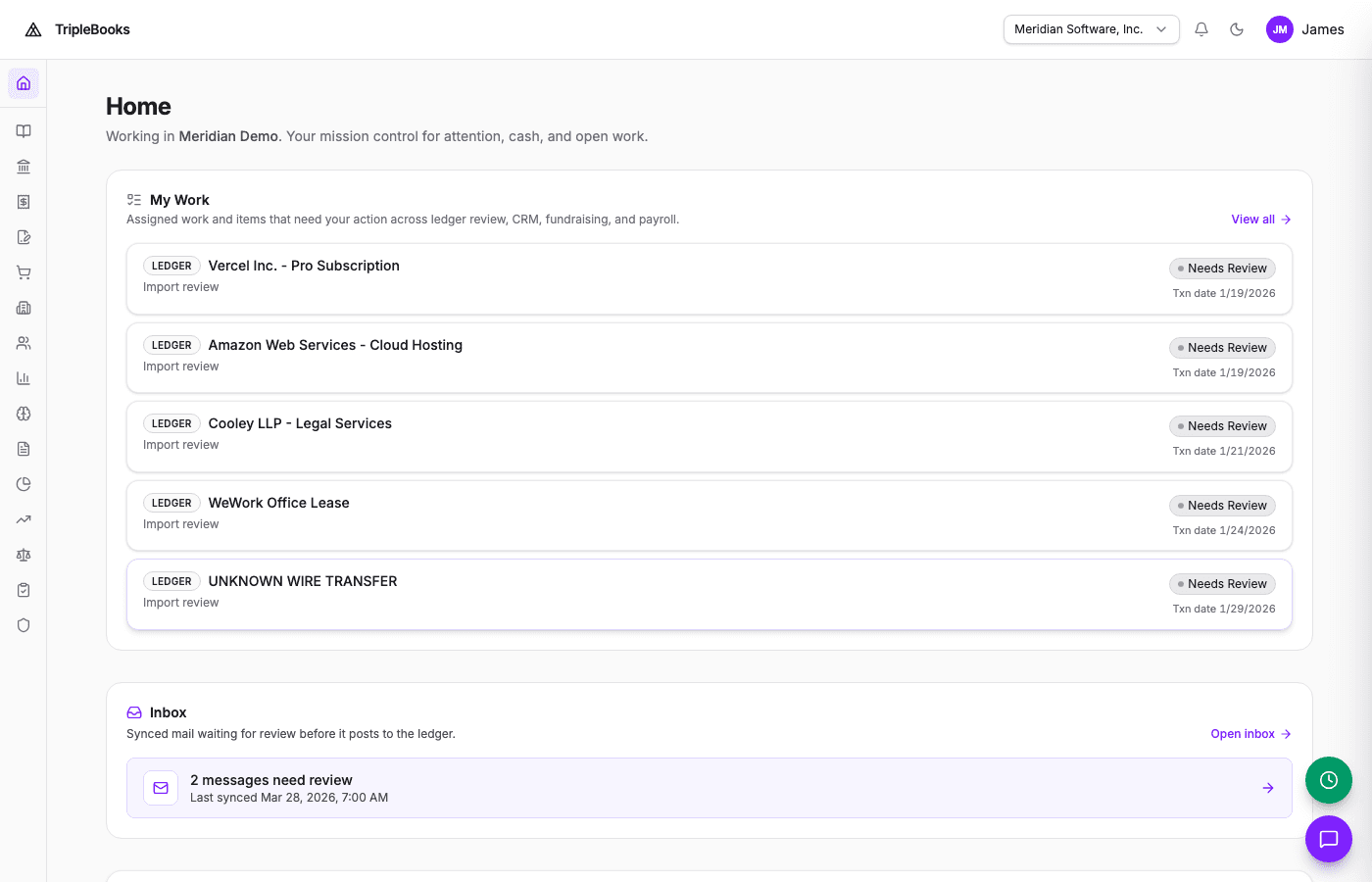
Press G then D for Home. Press G then R for Reports.
Accounting → Reports opens Financial Reports. The report picker includes balance sheet, income statement, and trial balance.
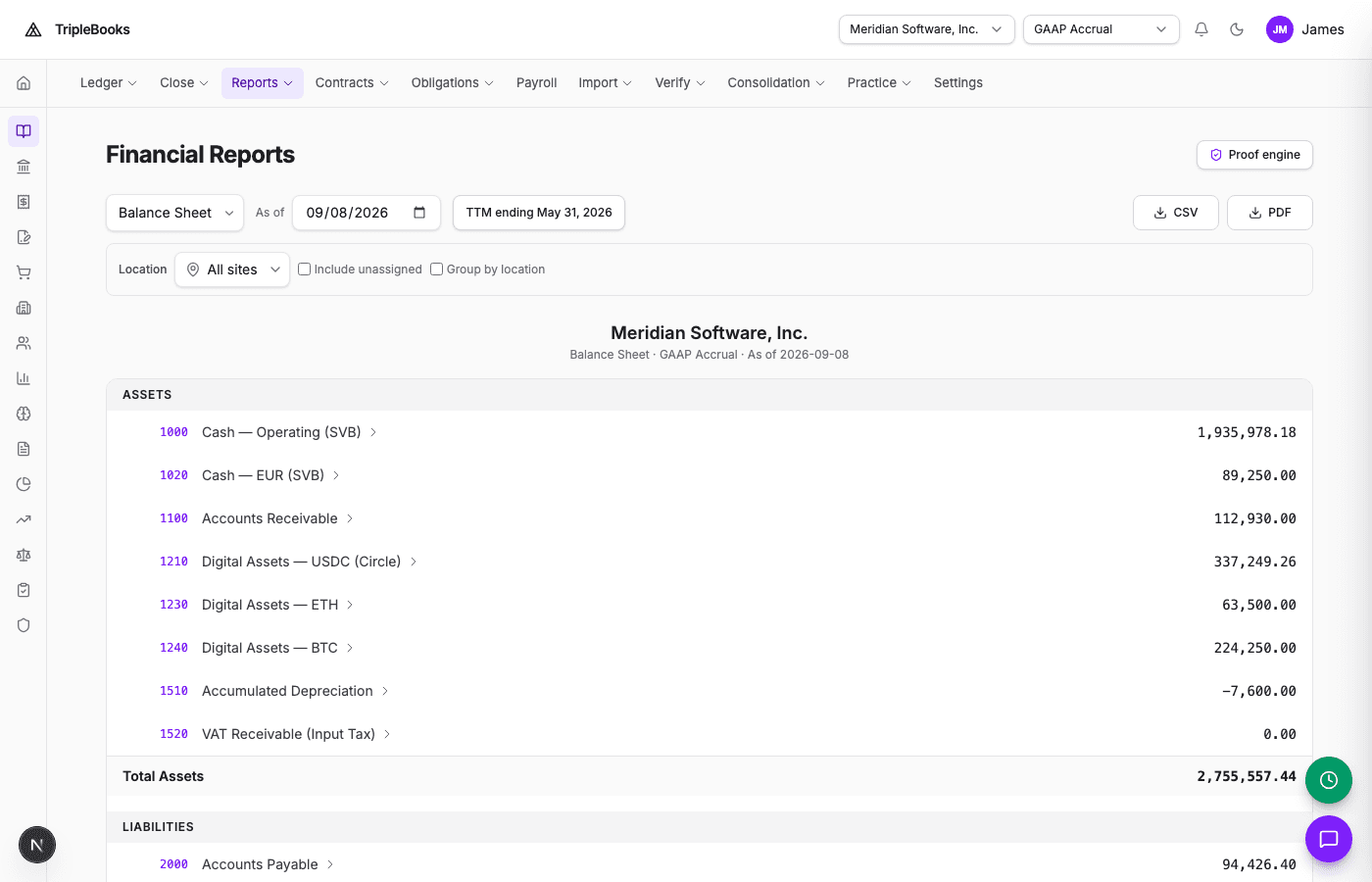
- Balance sheet — assets, liabilities, and equity as of a date
- Income statement — revenue and expenses for a period
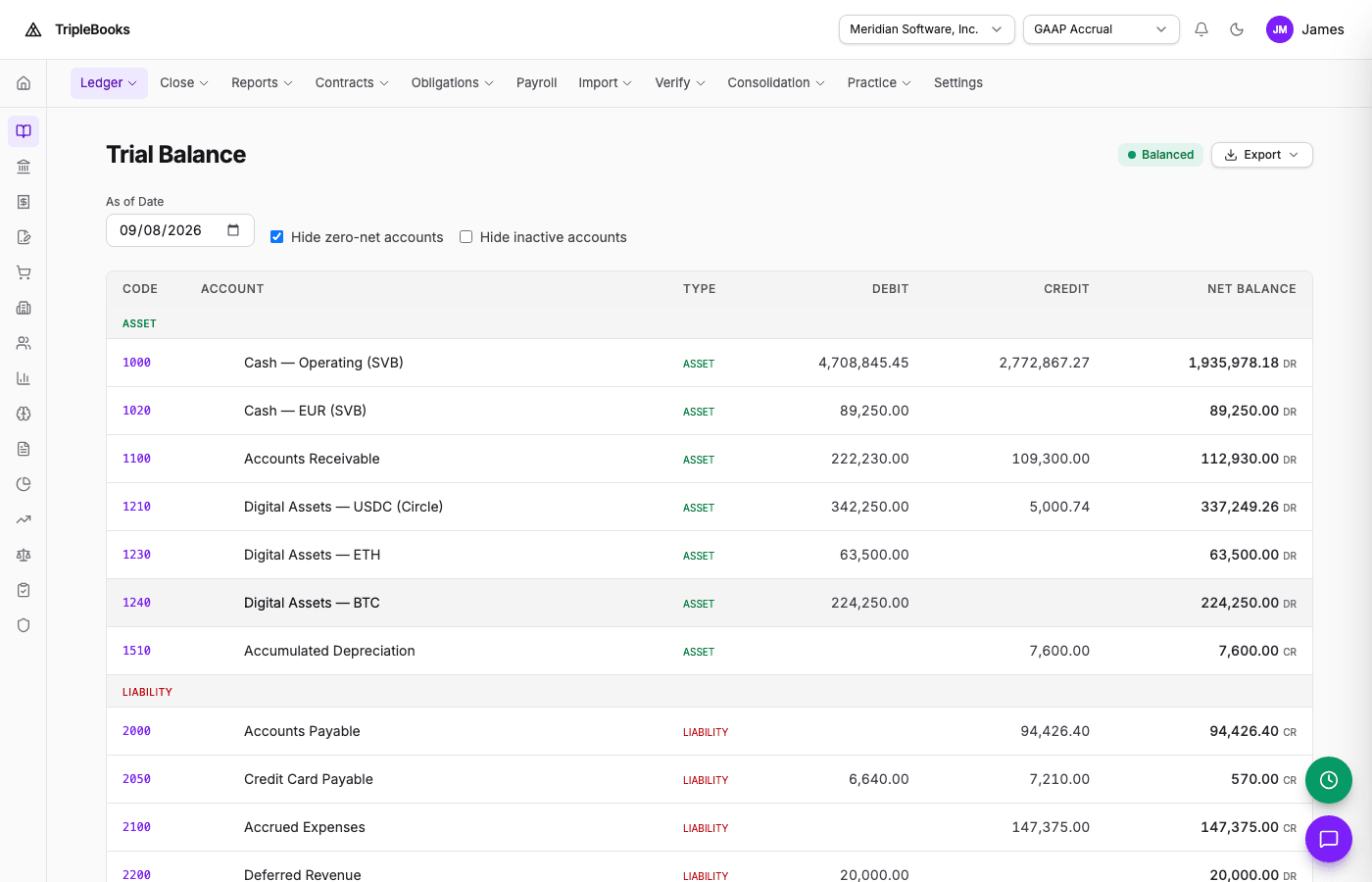
- Trial balance — account debit and credit totals (Accounting → Trial Balance)
Step 5: Events
Press G then E for Event Stream (Accounting → Events). Each row shows type, posting status, and the journal lines it produced.
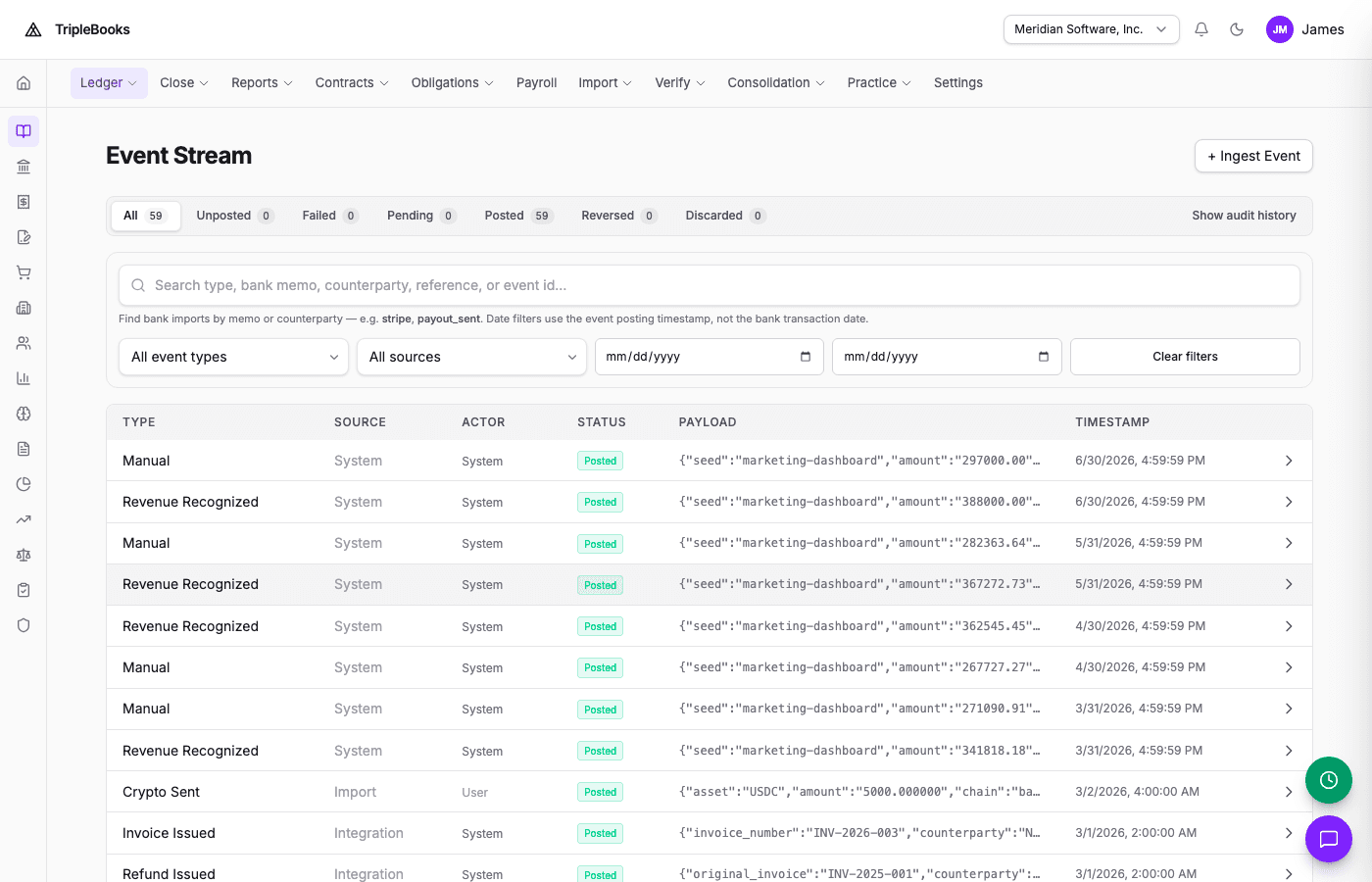
Filter for unposted or failed events when a mapping or rule still needs work.