Closing an accounting period
Work the close checklist, run period-end adjustments, and soft- or hard-close a period.
Overview
Period close finalizes the books for a month, quarter, or year. Work the checklist, post adjustments, then close from Accounting → Month-end close.
Step 1: Open month-end close
Go to Accounting → Month-end close (/accounting/period-close). The page opens on the period currently being closed; pick another period from the list on the left.
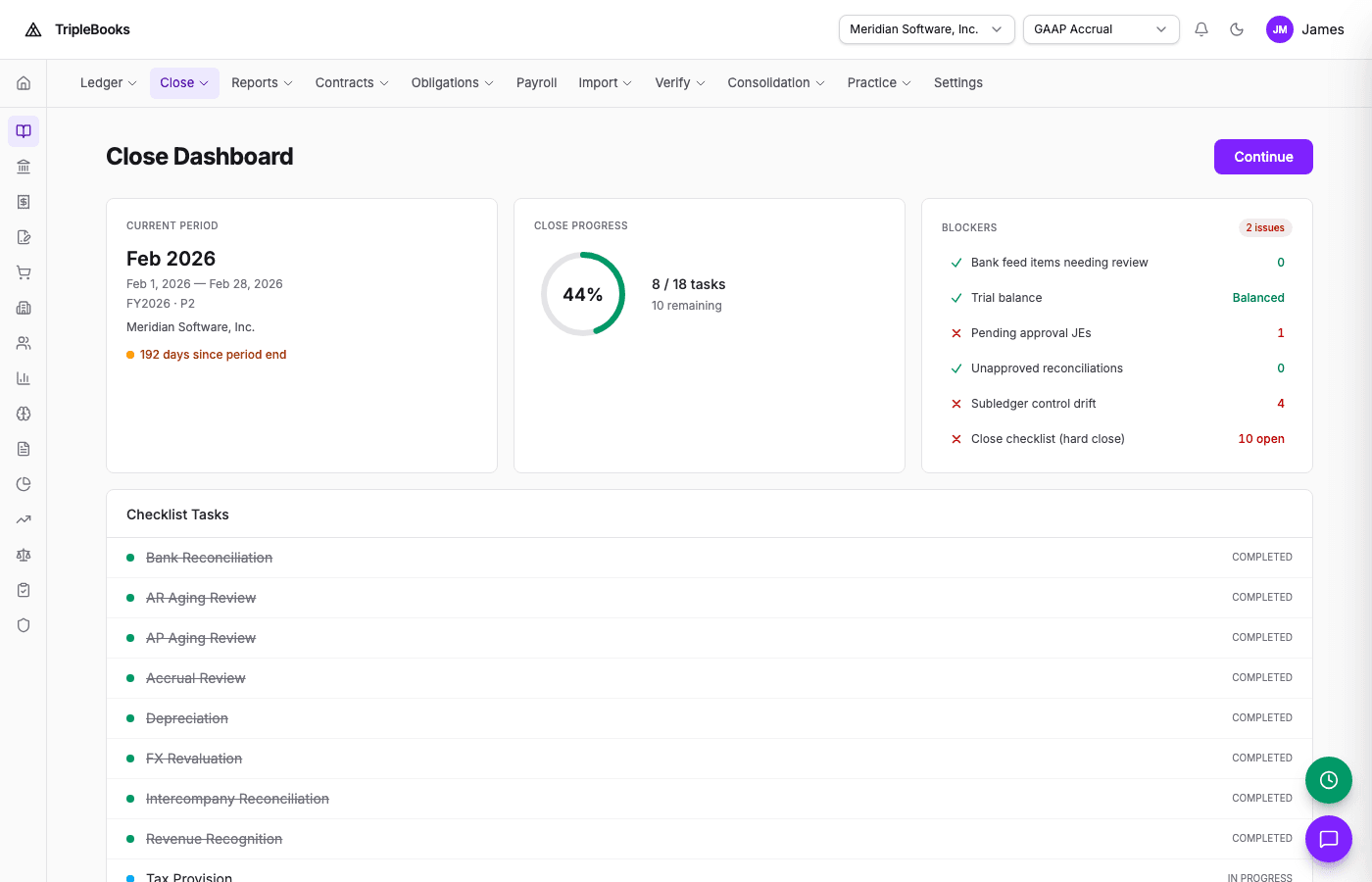
Each period has a status:
| Status | Meaning |
|---|---|
| Open | Accepting new entries |
| Soft closed | Treated as closed; corrections still allowed |
| Hard closed | Locked; new entries to that period are blocked |
Step 2: Work the checklist
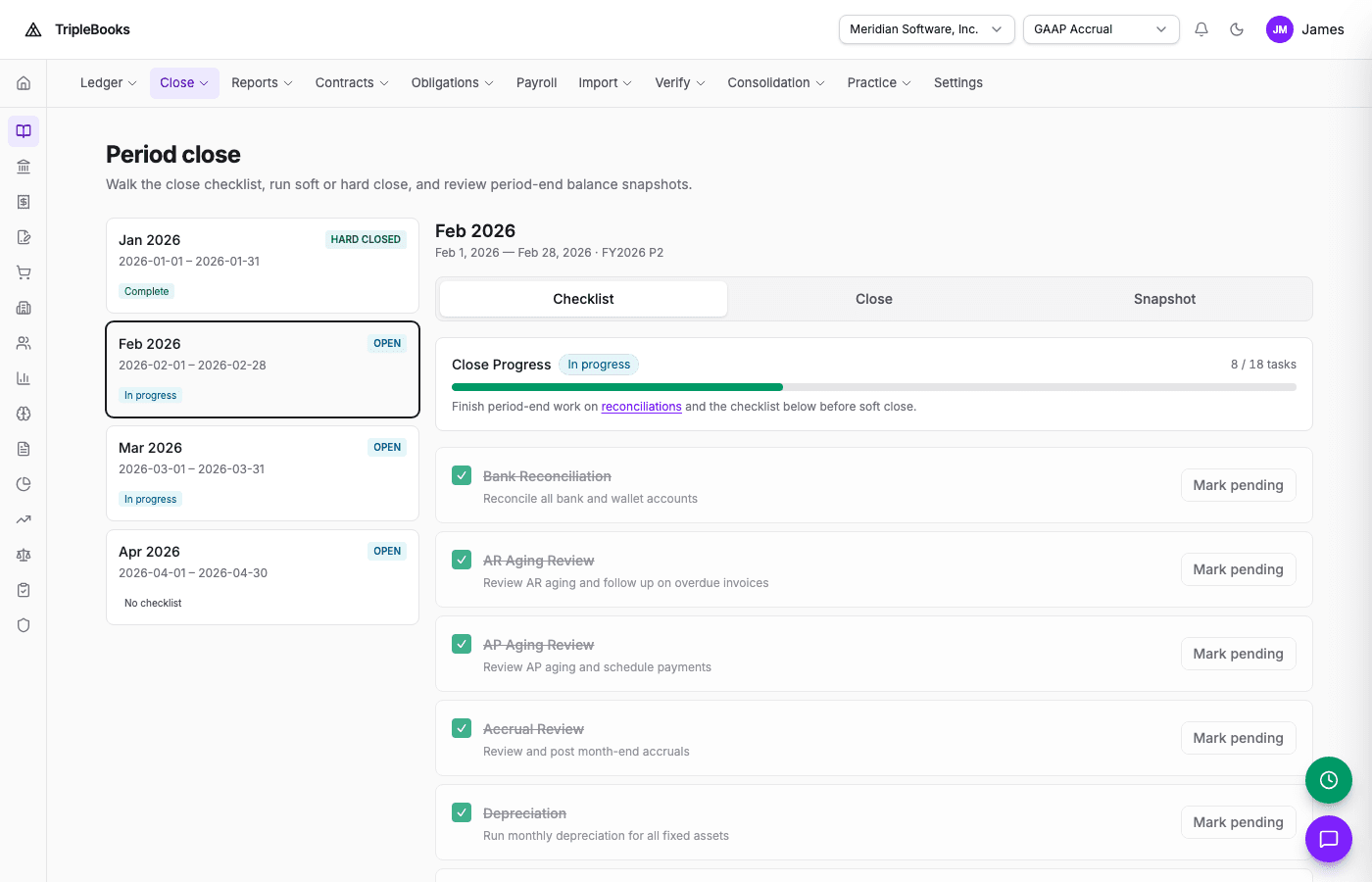
Open a period to see its close tasks, for example:
- Reconcile bank accounts
- Post pending accruals
- Run depreciation
- Review pending journal entries
- Verify the trial balance
Templates live with the close calendar so the same checklist can generate for each period.
Step 3: Period-end adjustments
From Luca (G then L):
Run period-end adjustments for Q4 2025
That batch can include depreciation, FX revaluation, accrual/deferral rows due in the period, and interest accrual. You can also ask Luca to run one helper at a time, or use the Accounting APIs.
Step 4: Trial balance
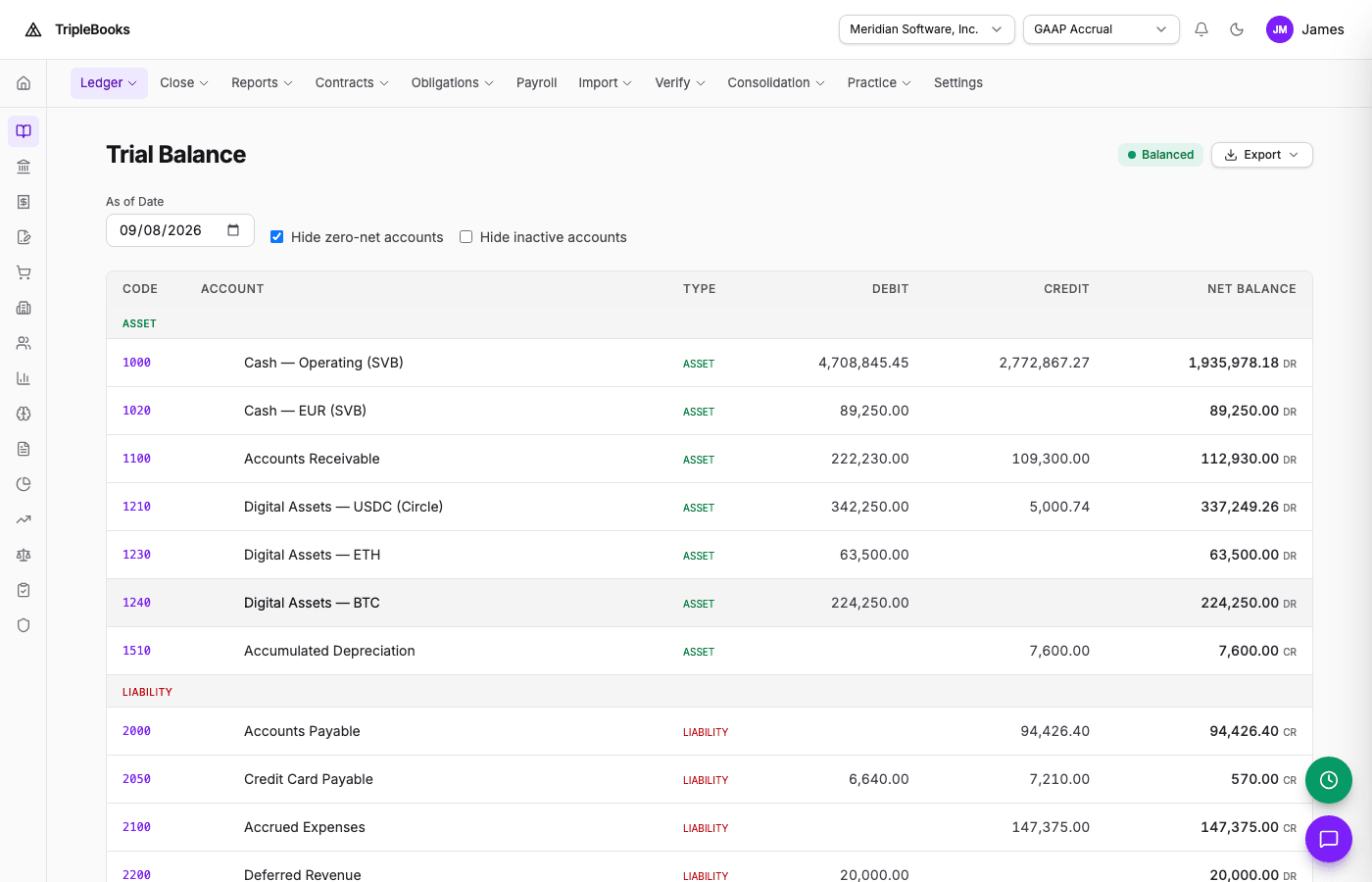
- Open Accounting → Trial Balance (or Reports → trial balance)
- Set the date to the period end
- Confirm total debits equal total credits — the page shows a Balanced badge when they do
- Spot-check cash and other key accounts against source statements
Step 5: Close
On Month-end close → Close:
- Finish checklist items that block close
- Choose Soft close first when you still want a correction window
- Hard close when the period should stay locked
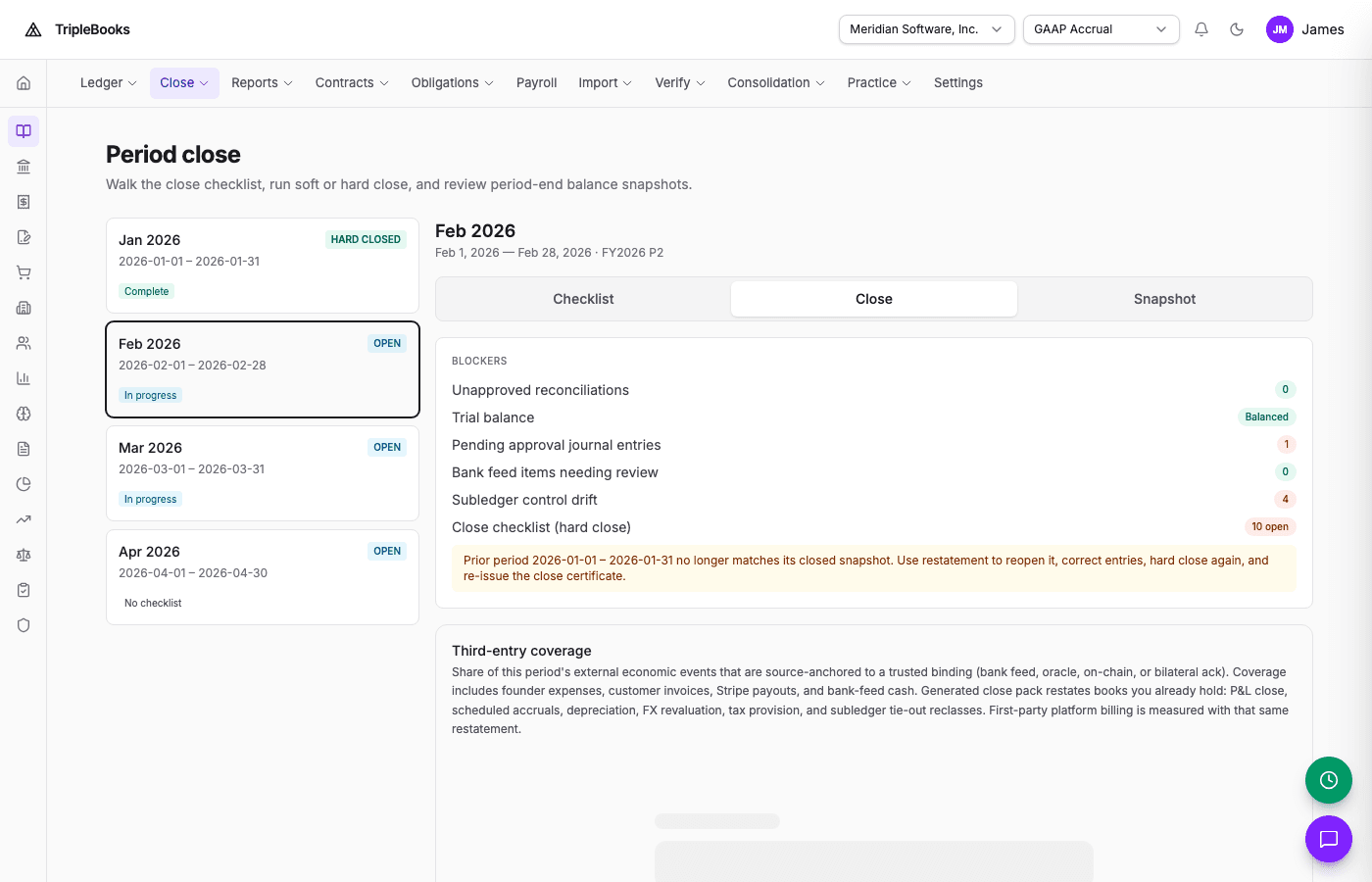
A hard close can also issue a close certificate and, when proofs are enabled, a period-close proof.
Entity admins can get a close deadline notification as the period end approaches — configure that in Settings → Notifications.
First close after a migration
Cutover — periods start at your go-live date. The first close is a normal close of that first period.
Full history — imported historical periods close as Migrated. They satisfy sequential close so you can close the current period without re-auditing migrated ones. Migrated periods stay locked.
See the Migration guide.